A Monosnap alternative for Mac with no cloud and no account
Quick answer: Screen2Shot is a Monosnap alternative that keeps everything on your Mac: screenshots with markup and screen recording, with no account or cloud. Monosnap is free for non-commercial use only; commercial use costs 14.49 USD a month or 85.99 USD a year. Screen2Shot PRO Lifetime is 79.99 USD once from the website, for work and home. Monosnap still wins on cloud links and GIFs.
Why people look for a Monosnap alternative
Monosnap mixes three things: a capture tool, an editor and a cloud with short links. People leave it when they want only the first two, when they use it at work and do not want to pay for a commercial plan, or when the Mac app no longer keeps up with macOS. Its Mac App Store listing was last updated on 2025-01-26 and asks for macOS 15.3.1 or later.
Monosnap vs Screen2Shot
| Feature | Monosnap (Mac) | Screen2Shot |
|---|---|---|
| Price | Free for non-commercial use; Non-commercial 4.49 USD a month, 44.99 USD a year or 99.99 USD lifetime; Commercial 14.49 USD a month or 85.99 USD a year | Free, with a thin Screen2Shot strip at the bottom of free exports; PRO 5.99 USD a month or 79.99 USD once from the website |
| Commercial use | Commercial plan | Included in free and PRO |
| Area and full-screen screenshots | ✅ | ✅ ⇧⌘9, on any display |
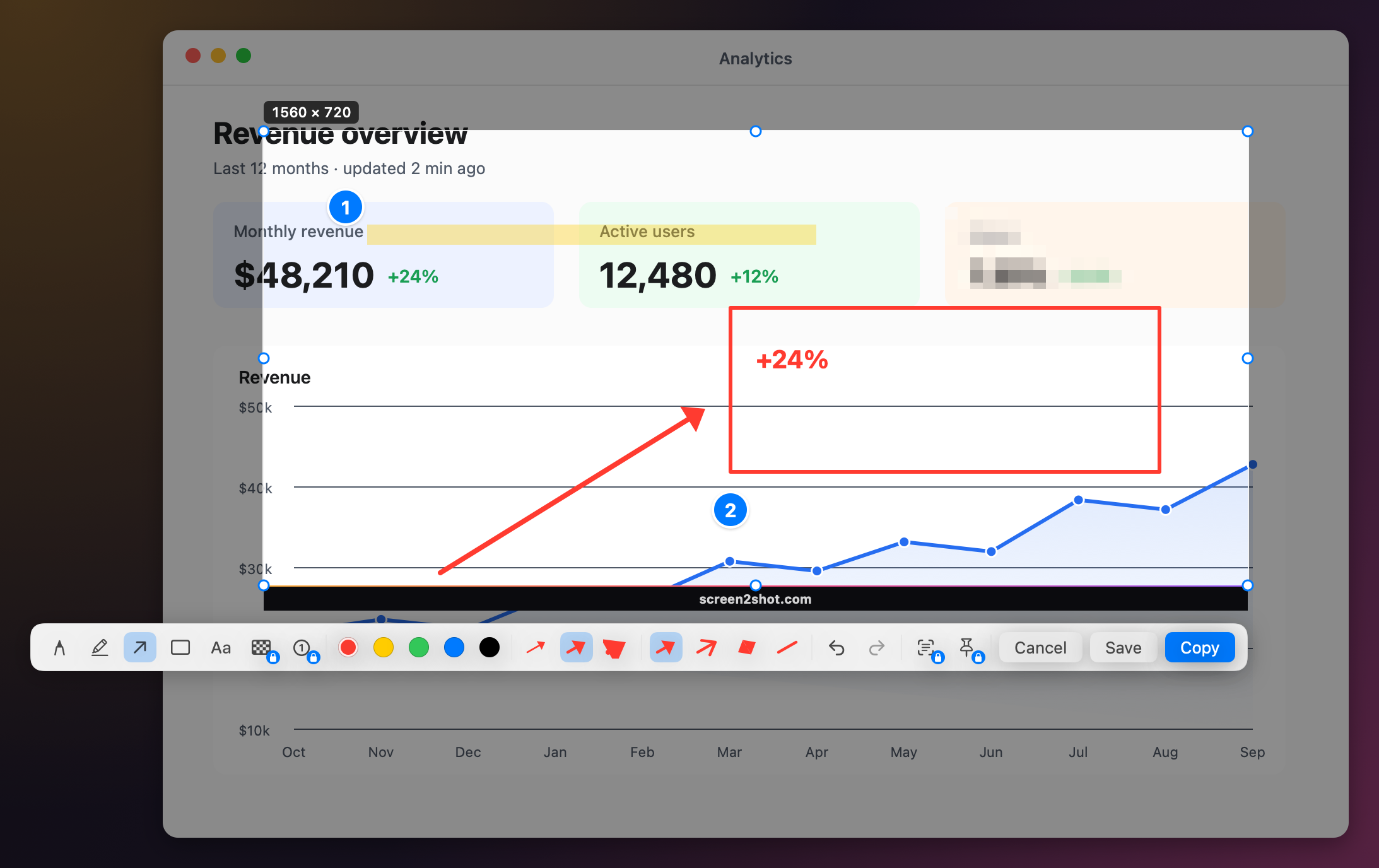
| Arrows, text, shapes, highlight | ✅ | ✅ pen, marker, arrow in four styles, rectangle, text; thickness and colour remembered |
| Blur or pixelate | ✅ blur | ✅ PRO pixelate |
| Copy text and QR codes | not listed on the App Store page | ✅ PRO, ⇧⌘C |
| Screen recording | ✅ video and GIF | ✅ MP4 free up to 1080p, up to 4K with PRO; no GIF |
| Auto zoom and cursor effects | not listed on the App Store page | ✅ PRO Studio |
| Cloud and short links | ✅ its own cloud, Dropbox, Google Drive, Box, OneDrive, Evernote | ❌ nothing is uploaded |
| Account | for the cloud | none |
| Last Mac update | 2025-01-26 (version 7.0) | version 1.1 (2026) |
| macOS | 15.3.1 or later | macOS 14 Sonoma for screenshots, macOS 15 Sequoia for recording; Apple silicon only |
Checked on 2026-09-30. Sources below.
What it costs over one and three years
For personal use both start free. The difference is work use and time:
- Monosnap Commercial: 85.99 USD a year, so 257.97 USD over three years; or 14.49 USD a month.
- Monosnap Non-commercial Lifetime: 99.99 USD once, for personal use only.
- Screen2Shot PRO Lifetime: 79.99 USD once from the website, for work and home, with no renewal. It is active on 1 Mac at a time and can be moved any time, with a 30-day refund. Website purchases have no Family Sharing.
Who should pick which
- Keep Monosnap if you share through its cloud links every day, need GIFs, or connect it to Dropbox or Google Drive.
- Pick Screen2Shot if you want capture and markup that stay on your Mac, use it at work without a commercial plan, or want recording with auto zoom in the same app.
- Pick something else if your Mac has an Intel chip or runs macOS older than 14: Screen2Shot needs Apple silicon and macOS 14.
How to switch
- Quit Monosnap or free its shortcut in its preferences.
- Open Screen2Shot and grant Screen Recording permission when macOS asks.
- Press ⇧⌘9, or pick another preset under Shortcut ▸ in the menu: ⌃⇧9, ⌃⇧S or ⇧⌘2.
- Drag an area, mark it up, then press ⌘C to copy or ⌘S to save a PNG.
Links you shared through Monosnap’s cloud stay there until you delete them in Monosnap. Prices are on the pricing page.
Other Monosnap alternatives for Mac
- CleanShot X: capture, recording and its own cloud; Basic is 35 USD once with a year of updates, Pro 120 USD a year.
- Shottr: free for most features, scrolling capture and text recognition; Basic is 12 USD once.
- Lightshot: free with public short links; the Mac app was last updated in 2019.