
A Snagit alternative for Mac with no subscription required
Quick answer: Screen2Shot is a Snagit alternative for people who want free area screenshots with markup and free screen recording, without a yearly subscription. PRO is 6.99 USD a month or 99 USD once on the Mac App Store. Snagit is still the better choice if you need scrolling capture, templates, AI tools, video editing or a Windows version.
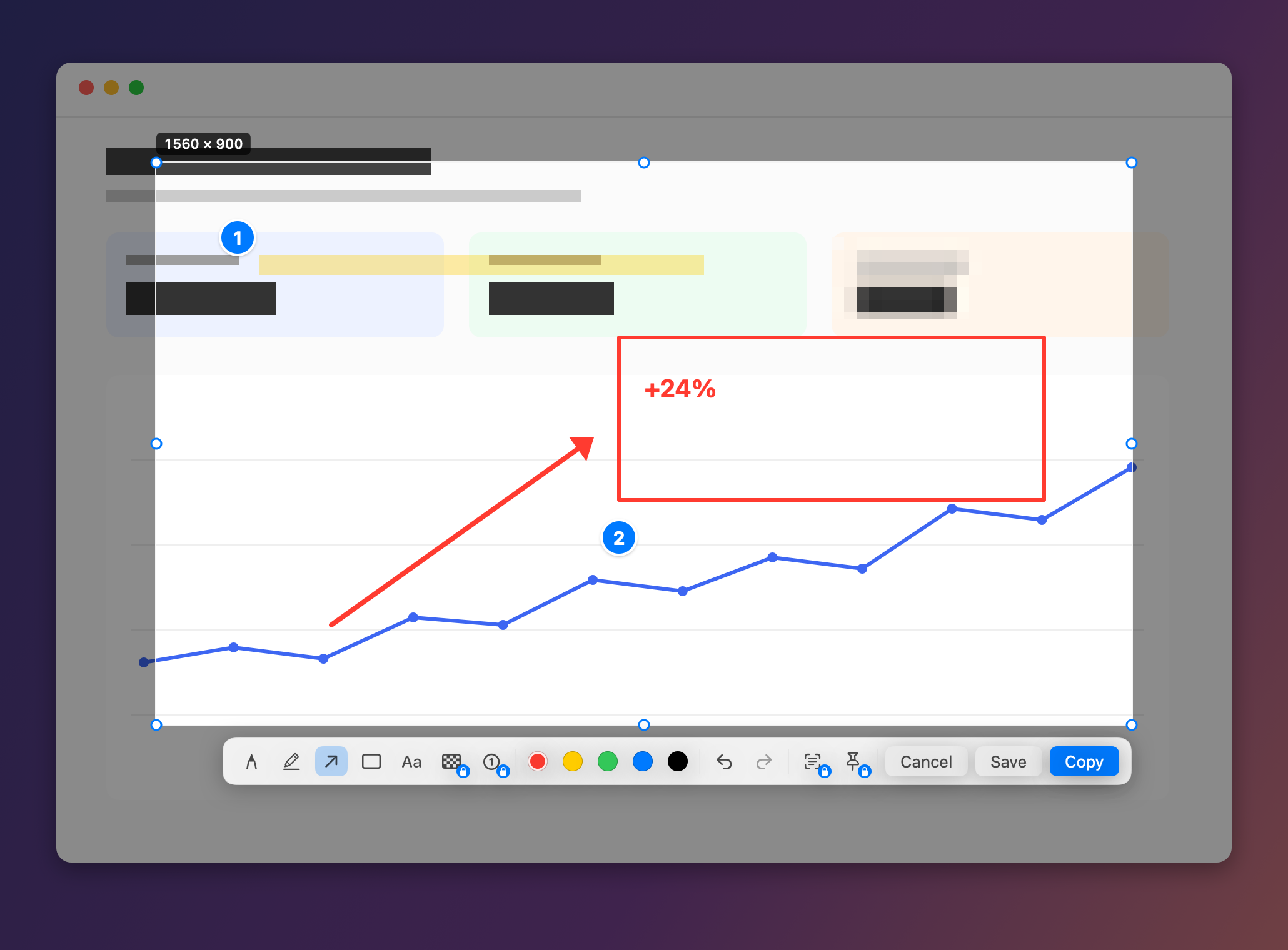
Why people look for a Snagit alternative
- The current version is subscription-only. TechSmith’s store sells Snagit Individual at 39 USD per user a year, billed yearly, and lists no one-time option. Snagit is also included in every Camtasia plan.
- The last one-time version is winding down. The Mac App Store still sells TechSmith Snagit 2024 for 49.99 USD once, and its listing says support and updates for that version run through December 31, 2026.
- An account to activate it. The Individual license activates by signing in (“no product keys”) and is non-transferable. Screen2Shot has no account: on the Mac App Store, PRO belongs to your Apple Account.
Snagit vs Screen2Shot
| Feature | Snagit | Screen2Shot |
|---|---|---|
| Free version | ❌ (15-day free trial) | ✅ screenshots, markup and recording up to 1080p |
| One-time purchase | ❌ for the current version; Snagit 2024 is 49.99 USD once on the Mac App Store, supported until 2026-12-31 | ✅ PRO Lifetime |
| Area and full-screen capture | ✅ | ✅ |
| Scrolling capture | ✅ | ❌ |
| Time delay | ✅ | ❌ |
| Arrows, shapes, text | ✅ | ✅ free |
| Blur | ✅ | ❌ (Pixelate, PRO) |
| Step numbers | ✅ | ✅ PRO |
| Stamps, spotlight, magnify | ✅ | ❌ |
| Templates | ✅ | ❌ |
| Text recognition | ✅ (edit, copy or delete text) | ✅ PRO: Copy Text, also reads QR codes, ⇧⌘C |
| AI step recorder, Smart Redact, Simplify, background remover | ✅ | ❌ |
| Capture library | ✅ (search, tags, filters) | ✅ PRO (last 10 screenshots) |
| Share links and cloud | ✅ Screencast (up to 25 videos on Individual) | ❌ (nothing is uploaded) |
| Screen recording to MP4 | ✅ | ✅ free up to 1080p, up to 4K with PRO |
| Webcam | ✅ | ❌ |
| Cursor highlight, click animation | ✅ | ✅ PRO (smooth cursor, click bounce) |
| Trim and combine clips | ✅ | ❌ |
| GIF export | ✅ | ❌ |
| Account to activate | Sign-in, no product key | None |
| Windows version | ✅ Windows 10 and 11 | ❌ |
| Where to get it | techsmith.com; Snagit 2024 on the Mac App Store | Mac App Store, Direct download |
| macOS | macOS 15 Sequoia, 26 Tahoe or 27 Golden Gate (product page) | macOS 14 Sonoma for screenshots, macOS 15 Sequoia for recording; Apple silicon only |
| Price | Individual 39 USD per user a year, billed yearly | Free; PRO 6.99 USD a month or 99 USD once on the Mac App Store; 5.99 USD a month or 79.99 USD once from the website (Direct download) |
Checked on 2026-09-29. Sources below.
Recording needs macOS 15 Sequoia or later. PRO Monthly on the Mac App Store: Renews every month until you cancel it in your App Store account settings. Direct download: Sold through Stripe (Onelink is the merchant of record). Taxes are included where they apply.
What you keep and what you give up
What you keep. The everyday loop: press ⇧⌘9, drag an area, draw with the pen, marker, arrow, rectangle or text in five colours, then press ⌘C or Return to copy. PRO adds the Snagit tools people use for guides and bug reports: numbered steps (N), Pixelate (B) to hide text, Copy Text for text and QR codes (⇧⌘C), Pin to Screen and Recent Screenshots. Recording has system audio and the microphone; PRO adds auto zoom on clicks, a smooth cursor, backgrounds and export up to 4K.
What you give up. Scrolling capture, the time delay, templates, stamps, blur, the AI step recorder, Smart Redact, Simplify, editing text inside a screenshot, the searchable library, Screencast share links, the webcam, trimming, GIF export and the Windows version. Recent Screenshots keeps the last 10 screenshots, not a full library.
What changes. The screenshot tools most people use every day are free, with no trial clock. PRO is optional, and PRO Lifetime is paid once: 99 USD on the Mac App Store, where Family Sharing covers your family, or 79.99 USD from the website. Nothing is uploaded, and there is no account to sign in to.
When Snagit is still the right choice
- You write step-by-step documentation: the AI step recorder builds a guide from your clicks, and templates lay out the result.
- You capture long pages or wide tables with scrolling capture.
- You edit recordings: trimming, combining clips, a webcam, GIFs and AI captions.
- Your team works on both Mac and Windows, or shares through Screencast links.
- Your company already pays for Snagit or a Camtasia plan, which includes it.
How to switch
- Quit Snagit or free its shortcuts first. If a shortcut you pick in Screen2Shot is still held by another app, Settings says it is already used by another app, and the previous shortcut keeps working.
- Press ⇧⌘9, or pick another preset in the menu under Shortcut ▸: ⌃⇧9 (the Windows habit), ⌃⇧S or ⇧⌘2.
- Drag an area, mark it up and press ⌘C to copy, or ⌘S to save a PNG.
- Press ⌥⇧⌘9 to record the display under the pointer; press it again to stop, and Studio opens. Save Video… exports an MP4.
Your Snagit library and .snagx files stay in Snagit, which exports PNG, JPG, PDF, MP4 and GIF among other formats. Screen2Shot saves screenshots as PNG and recordings as MP4. Prices for both channels are on the pricing page.
Other Snagit alternatives
- CleanShot X: scrolling capture, screen recording, GIF export and cloud links; Basic is 35 USD once with one year of updates, then an optional 19 USD a year. Needs macOS 13.0 or newer.
- Shottr: a small screenshot app with scrolling capture, text recognition and pinned screenshots; most features are free and the Basic license is 12 USD once. Its site lists no screen recording.
- The built-in Screenshot app: press ⇧⌘5 to capture or record the whole screen, a window or part of it; system audio is built in from macOS 27 Golden Gate.